Operator playbook
YouTube Shorts Related Videos: Give the Next Click a Clear Job
Connect a useful YouTube Short to a matching explanation with a desk-lamp example, link eligibility checks and a reusable campaign worksheet.
 Kai Renner · · 10 min read
For: US and UK small retail brands preparing product education on their own YouTube channel.
The short answer
Answer one question completely in the Short, choose a complementary video about the same product, then verify the real viewer route and keep the pair current.
A YouTube Short can answer one useful question and still leave a customer wanting the fuller explanation. Choose that next explanation before you publish. Add a related video that continues the same task, then check that the invitation and destination agree.
For a small business, the useful result is a connected pair of videos. A large view count alone does not tell you whether anyone found the information needed to choose your product.
Outcome and prerequisites
Prepare one Short, one complementary video on your own channel and a checked route between them. This guide is for US and UK small brands that already have suitable footage or can make a useful explanation. You do not need a daily posting schedule to use it.
Bring the actual product facts, the two video drafts and access to YouTube Studio. Related-video linking requires advanced feature access, and the chosen destination must be public or unlisted and comply with YouTube's rules. Confirm eligibility before building a campaign around the feature. YouTube's setup guide supplies those conditions.
A usable answer first
Use this sequence: complete short answer → relevant next question → matching video → checked link.
The Short should remain useful on its own. If it promises to show how a lamp head tilts, show that adjustment. The next video can explain how the same lamp sits on different desk layouts. Withholding the promised answer makes the link a rescue route for an unfinished piece.
Write the invitation around the extra help: “For the full desk setup, open the related video.” “Watch more” gives the viewer less reason to continue. This is an editorial recommendation, not a tested conversion formula.
A related video is a route to your own YouTube content, not a direct product-page button. URLs pasted into Shorts descriptions and comments are not clickable under YouTube's current link rules. Plan the actual supported route rather than relying on a written web address.
Worked brief
Imagine a fictional small brand selling an adjustable desk lamp. Its owner has real footage of the current model. The brand voice is calm and practical; the campaign should help someone decide whether the lamp works with their desk.
The Short answers: “Can I angle this lamp toward a notebook?” It shows the adjustment clearly, identifies the model and explains any relevant limit. Our product-demo shot plan helps establish what the footage must actually show.
The companion video answers a different, adjacent question: “Where would this lamp sit on my desk?” It shows the base, cable route and adjustment in a complete setup, using the same model. Any dimensions must come from the actual product. The example supplies no invented measurements or performance results.
An unsuitable destination would be an attractive studio tour that barely shows the lamp. A better title describes the promised task, such as “Setting up our adjustable lamp on a small desk.” Its opening should confirm that the viewer has arrived at the right explanation.
If a purchase link is appropriate, check the controls available in the destination video and link to the exact model. YouTube's link documentation says clickable external links require advanced feature access. External links must also meet its policy. A working related-video link does not establish that the rest of the purchase route works.
Steps and checkpoints
- Start with the next question. List what remains uncertain after the Short's answer. If nothing useful needs a video explanation, do not manufacture a longer piece simply to have a destination.
- Inspect the destination first. Watch it as someone new to the brand. Check the product version, title, opening and extra information. A video that repeats the Short without adding help needs a different role or destination.
- Give the Short a complete job. Keep the deciding action visible. Add a brief invitation that names the extra explanation. Confirm captions match speech and do not hide the detail being demonstrated.
- Set the connection in Studio. Open Content, choose the uploaded Short, select its Related video and save. YouTube documents this workflow in its related-video instructions. Check the actual controls on your channel.
- Test as a viewer on a phone. Open the Short, find the link and follow it. Confirm that the promised video plays and any further destination is relevant. Being able to choose a video in the editor is only the first check.
- Keep a small release record. Save the Short URL, destination URL, product version and person responsible for checking changes. Revisit the pair when the model, explanation or linked offer changes.
If advanced feature access is unavailable, keep the Short independently useful and choose an action your channel actually supports. Do not publish an instruction to tap a related link that viewers cannot see.
Reusable worksheet
Use this original connection card before assembling a series. Each row answers a different production question.
| Check | Lamp example | Ready when |
|---|---|---|
| Short's job | Show head adjustment | The action is visible |
| Next question | Will it suit my desk? | The extra need is clear |
| Destination | Same-model setup guide | It adds useful detail |
| Invitation | Open the desk setup video | The wording matches |
| Viewer route | Short to setup guide | The actual link works |
| Change trigger | New lamp model | Both pieces are reviewed |
For your own card, add: audience; narrow answer; remaining question; evidence footage; destination title and URL; link eligibility; exact invitation; phone-check date; owner. Keep the card with the campaign brief.
Review the published pair after a consistent observation period that suits your business. Look at the existing video reports available to your account and the questions viewers ask. Record those separately from website visits or orders. Two ordinary posts receiving different audiences are not a controlled test, and a quiet result may be inconclusive.
Failure modes
The next video promises another product. Replace the destination or correct the invitation. A near match can be confusing when versions differ in the detail a buyer cares about.
The Short is only a teaser. Restore the answer you promised. A useful continuation should deepen understanding rather than require a second click to receive the first answer.
The longest video becomes the default. Choose by the customer's task. A short explanation can be the better destination when it answers the remaining question without irrelevant material.
The invitation survives a product change. Maintain the pair as connected content. Replace or revise outdated explanations instead of sending current buyers through an obsolete setup.
From one-off to recurring
Once the pair works, use the same approved product facts for a detail post, a comparison of relevant options and a follow-up answer. Our one-product content plan helps assign those pieces different jobs.
Try MultiCast when keeping that series coherent becomes the recurring work. Its public product page describes campaign planning, brand-aware content and use of the business's own photos, with an option to review each piece. Bring the actual product material, the audience's question and the intended next step into one campaign brief.
That shared context is the advantage worth evaluating: the explanation can develop across several pieces while keeping the product and voice recognisable. Check required video handling and channel support in the product before relying on them. This guide does not establish that MultiCast configures YouTube's related-video control; set and verify that connection in YouTube Studio.
For one pair, a simple manual record is enough. For ongoing product education, a connected campaign workflow becomes more useful than repeatedly starting from a blank caption. Continue with our practical growth guides.
Evidence and updates
Platform and product references were checked October 11, 2026. YouTube supplies feature requirements; MultiCast supplies its advertised workflow. The lamp, connection card and proposed copy are original hypothetical examples. No channel experiment, sales result or native integration test is reported.
Google Trends was consulted for US and UK Web Search over October 11, 2025–October 10, 2026. The UK comparison returned a series; the US request was rate-limited. The broad term “YouTube Shorts” does not establish demand for this particular business task, and no current surge is claimed.
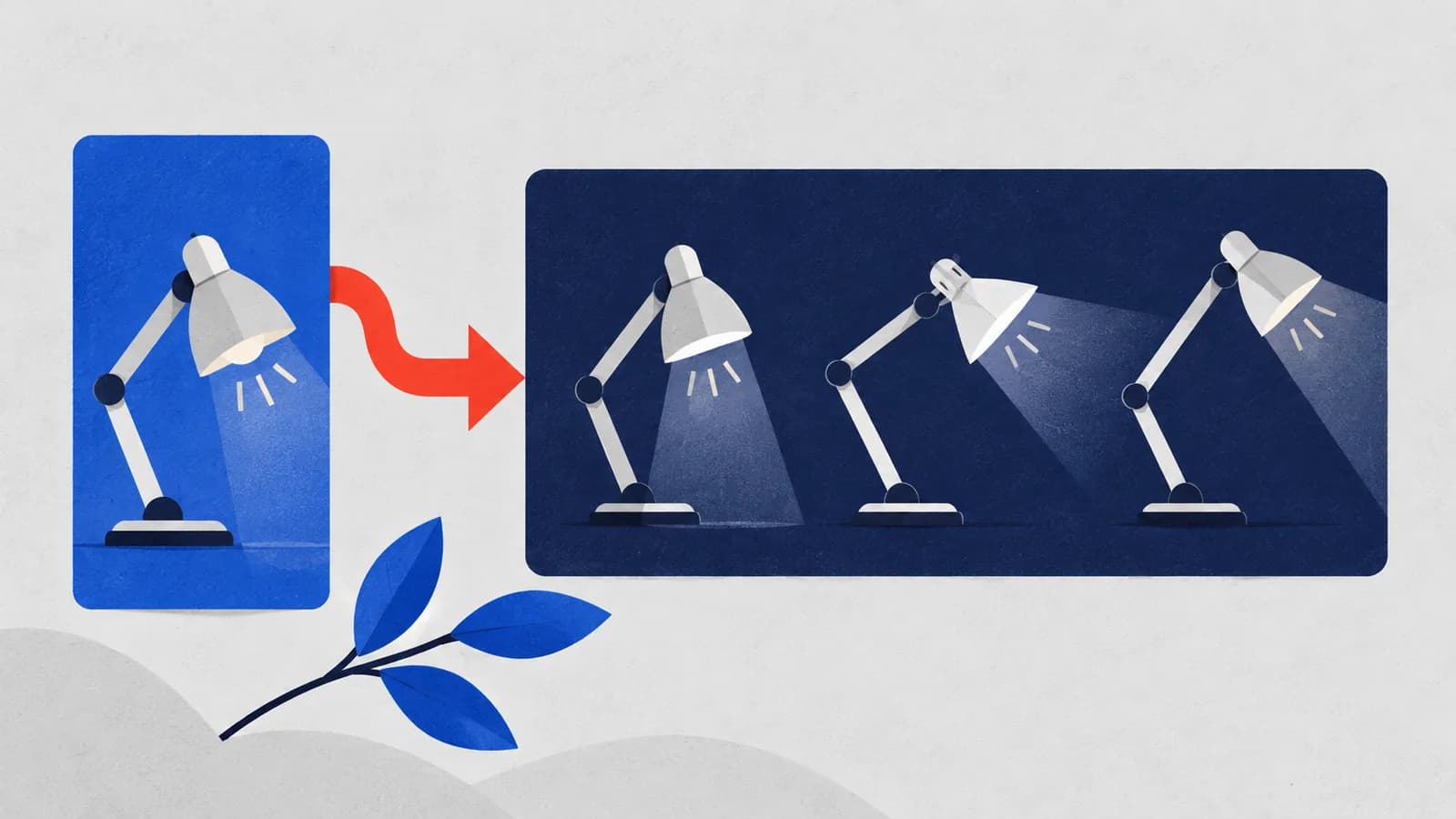
The generated geometric cover illustrates connected explanations, not an actual product demonstration. Recheck this workflow when channel controls change, and review platform guidance by November 11.
 MultiCastMARKETING, TOGETHER.
Good ideas deserve a consistent campaign.
Bring your next marketing idea to MultiCast. Keep your brand at the center, from planning to publishing.