Operator playbook
Product Demo Videos: Show the Task, Not Just the Reveal
Plan a product demo around one visible task, with a practical shot list, a tote example and checks that keep the final edit honest and useful.
 Kai Renner · · 9 min read
For: US and UK independent retail brands making practical demonstrations of their actual products.
The short answer
Choose one task, show the starting condition and deciding action, then state the result and its limits. Build the supporting campaign from those same checked facts.
A useful product demo shows a customer completing one task, including the condition that could make the product unsuitable. Start with a question, show the action clearly, then name what the footage does and does not establish. A polished reveal can introduce a product; it cannot replace the view that answers a buying question.
Outcome and prerequisites
Prepare a filming brief for one short demonstration and two supporting pieces: a detail image and a practical explanation. This is for US and UK small retail brands with access to the actual product and permission to record it. The number of pieces is a planning choice, not a posting target.
You need the exact version on sale, its confirmed specifications, the objects used in the demonstration and a current product destination. Specialist safety or performance tests require their own methods; this guide covers ordinary explanatory content, not certification.
If you have not decided which scenes need real footage, first read our guide to what to generate and what to film. Here we take the next step: deciding what the real demonstration must make visible.
A usable answer first
Build the sequence around question → starting condition → visible action → result → boundary.
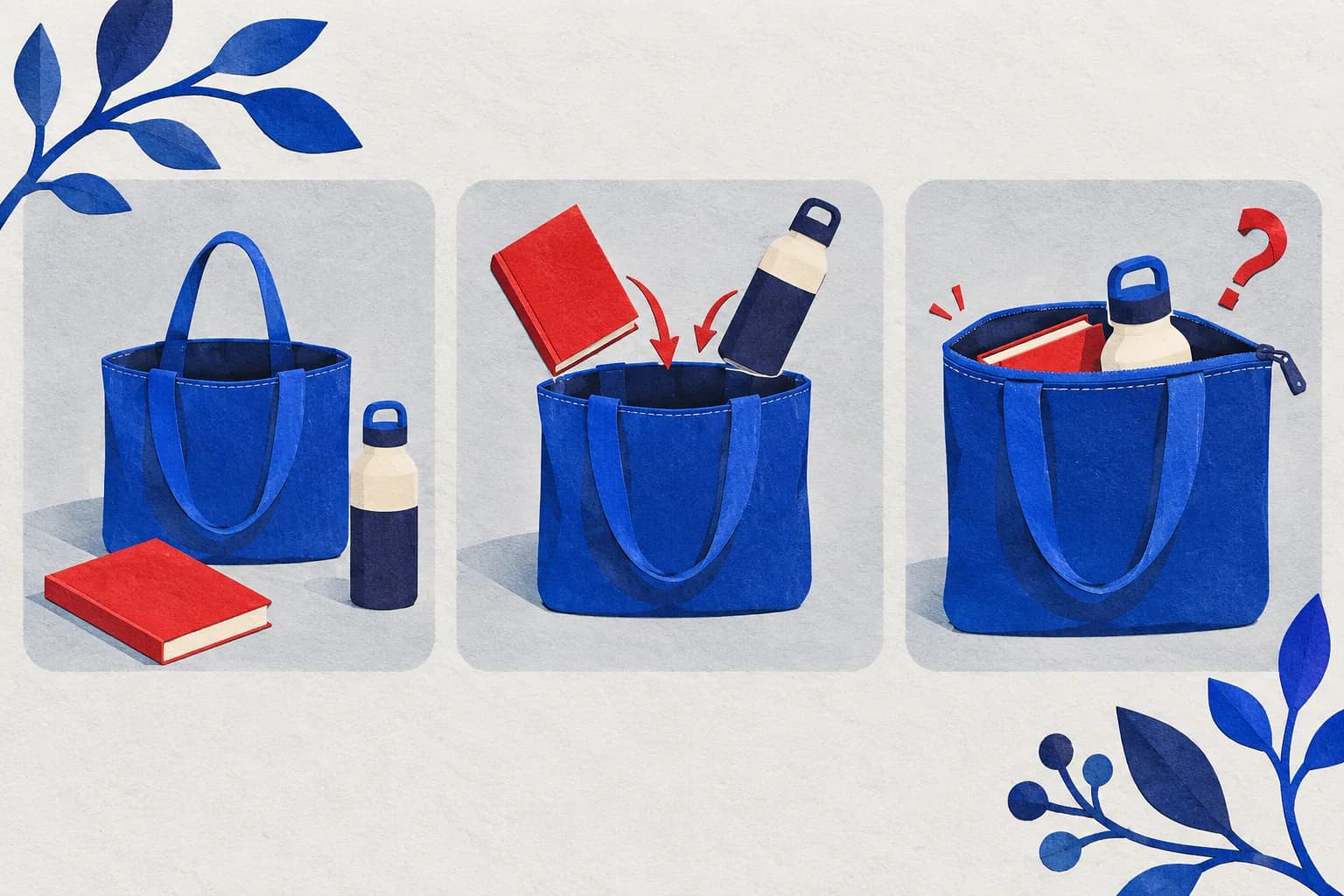
For example, “Can this bag carry my notebook and bottle with the zip closed?” requires more than an attractive packed-bag shot. Show the objects before packing, the relevant opening, the packing action and the zip closing. Identify the dimensions or versions that make the answer meaningful.
The boundary matters. This particular combination fitting does not establish that every laptop, bottle or daily load will fit. Leave the viewer with a precise answer and a way to check their own belongings.
YouTube's Shorts getting-started guide describes smartphone filming, optional stabilisation and vertical framing. Those are practical production options. They do not establish an ideal runtime or a guaranteed distribution benefit for your product.
Worked brief
Imagine a fictional small brand selling a zippered canvas tote. Its owner wants to answer a recurring packing question. The voice is direct and reassuring; the goal is understanding, not a dramatic capacity challenge.
The owner chooses one notebook and one bottle, measures them, and records their sizes beside the bag's current dimensions in a private shot record. No dimensions are invented here: a real campaign must use the actual measurements.
A useful opening is: “Here is how this notebook and bottle fit in our zip tote.” Show both objects, place them inside, close the zip without hiding the action, then show how much space remains. If closing the zip requires rearranging the contents, show or explain that step. If it will not close, the result is useful information, not a filming mistake to edit away.
An accompanying still can show the bag opening with a scale reference. A short explanation can tell buyers which dimensions to compare. Each piece answers part of the same question without pretending to be an independent product test.
Steps and checkpoints
- Write the uncertainty as a question. Replace “show our quality” with an observable task. Output: one sentence that a customer could reasonably ask.
- Define the condition. Name the product version, objects, setup and relevant measurements. Output: a shot record that another person can understand. Do not let a larger sample stand in for the smaller size being sold.
- Film the deciding action. Keep the opening, fastening or adjustment visible. Use a stable angle; record a continuous view where an edit could conceal the answer. Output: usable evidence of this action, not a cinematic promise about every situation.
- Edit around understanding. Remove waiting and repetition without removing a necessary step. If a cut, speed change or separate take would alter the apparent result, explain it or keep the unbroken view.
- Make the explanation accessible. Narrate essential visual details and add accurate captions for speech. YouTube documents caption upload, manual entry and synchronisation options. Check the final timing and product terms rather than assuming automated text is correct.
- Review the destination. The product page must identify the demonstrated version and supply the details the viewer needs to decide. Check the actual link path available on the chosen channel; do not assume text in every short-video description is clickable.
Reusable worksheet
Use this original shot-to-answer map before filming. It is a creative planning tool, not a scored experiment.
| Shot | What it must answer | Acceptance check |
|---|---|---|
| Product and objects | What exactly are we using? | Correct tote version; notebook and bottle identified |
| Open interior | Where will the objects go? | Opening and relevant space visible |
| Packing action | How does the task work? | Necessary movement stays understandable |
| Closing the zip | Does this combination close? | Closure is visible; no hidden substitution |
| Final view | What should I check for myself? | Actual measurements and current product destination |
For your own brief, fill in: customer question; product version; starting condition; deciding action; evidence shot; spoken explanation; caption check; limitation; destination; reviewer. If the question can be answered more clearly with a measured still, choose that instead.
Failure modes
The edit removes the proof. A cut from an empty bag to a finished result skips the part the customer came to see. Restore the action or change the claim.
The hook promises more than the demonstration. “Fits everything” is not established by packing two objects. Use the narrow, useful result you actually showed.
The camera hides the difficult part. Move the camera, simplify the background or add a close view. A beautiful frame that obscures the zip is a weak answer to a zip question.
Views become a verdict on the product. Record unresolved questions and whether the clip answers them. Reach does not prove comprehension or sales, and two posts shown at different times are not a controlled experiment.
From one-off to recurring
Once the demonstration is clear, build the surrounding campaign from the same facts. Our one-product content plan helps place the demo alongside choosing, care and buying content. This shot brief supplies the detail that the wider plan cannot decide for you.
MultiCast is a practical next step for turning that clear explanation into a consistent campaign. Its public product page describes campaign planning, branded content creation and publishing, including use of the business's own photos and voice. Keep one approved product brief at the centre, then prepare a demonstration introduction, a detail post and a question-led follow-up around it.
That connected preparation is the advantage worth evaluating: the next piece should build on the same product facts instead of starting a different story. Check any required footage import or editing controls in the product before depending on them. MultiCast does not make a generated scene evidence that your product performed a task.
A single clip may be easiest to prepare manually. For a growing product range, a repeatable brand and campaign workflow becomes more useful. Continue with our practical growth guides.
Evidence and updates
Sources checked October 3, 2026. YouTube supplies production and caption documentation; MultiCast describes its advertised workflow. The tote, shot sequence and worksheet are original hypothetical examples. No tool benchmark, campaign uplift or product performance result was measured.
The generated geometric cover illustrates a packing question; it is not evidence of a real bag's capacity. Review the brief when the product, required action or publishing controls change, and revisit platform guidance by November 3.
 MultiCastMARKETING, TOGETHER.
Good ideas deserve a consistent campaign.
Bring your next marketing idea to MultiCast. Keep your brand at the center, from planning to publishing.