Operator playbook
YouTube Polls for Small Businesses: Turn a Vote into a Useful Next Video
Plan a YouTube poll around a customer question, interpret votes carefully and turn the result into a useful video and connected campaign with a practical worksheet.
 Kai Renner · · 10 min read
For: US and UK small retail brands with an existing YouTube audience and access to channel posts.
The short answer
Ask about an explanation you can deliver, offer comparable choices and decide in advance how you will follow up. A poll can guide the next piece of content; it cannot establish customer demand.
A useful YouTube poll ends with an answer people can use. Ask which product explanation would help, offer choices you can actually demonstrate, then publish the follow-up. The vote helps you choose the next piece of content; it does not tell you how many people will buy.
For a small brand, that makes a poll a manageable way to listen between videos. Its value comes from the work after the question: turning a response into a clear explanation and carrying the same message into the wider campaign.
Outcome and prerequisites
Prepare one poll, one follow-up video brief and a small record linking the two. This guide is for US and UK businesses that already use YouTube and have relevant product knowledge or footage. Opening a channel solely to collect votes adds a separate audience-building job.
Check that posts are available to your account. YouTube lists supervised accounts and channels marked Made for Kids among the restrictions; access can also depend on channel role. Its documentation currently notes that posts are unavailable in Germany. These conditions matter if you operate across markets. See YouTube's post availability guidance.
This workflow concerns channel posts, sometimes called Community posts. YouTube also has a separate Communities space for subscriber discussion. Confirm which surface you are using rather than treating the names as interchangeable.
A usable answer first
Use this sequence: a real question → comparable options → recorded response → useful answer → next question.
Start with something you can explain. “Which detail would help you use this blanket?” gives the next video a job. “Would you buy our amazing new range?” combines a leading description with a purchase prediction that a casual vote cannot settle.
Choose options at the same level. Three practical demonstrations make a clearer choice than one demonstration, one discount and one unrelated lifestyle topic. Each option should be worth making even if it receives fewer votes. If an answer is essential for safe or correct use, provide it regardless of popularity.
YouTube supports text and image polls. Its creation instructions allow up to four options, with shorter captions for image options. Pick the format that makes the choice understandable; a picture should clarify the question rather than reward the most attractive photograph.
Worked brief
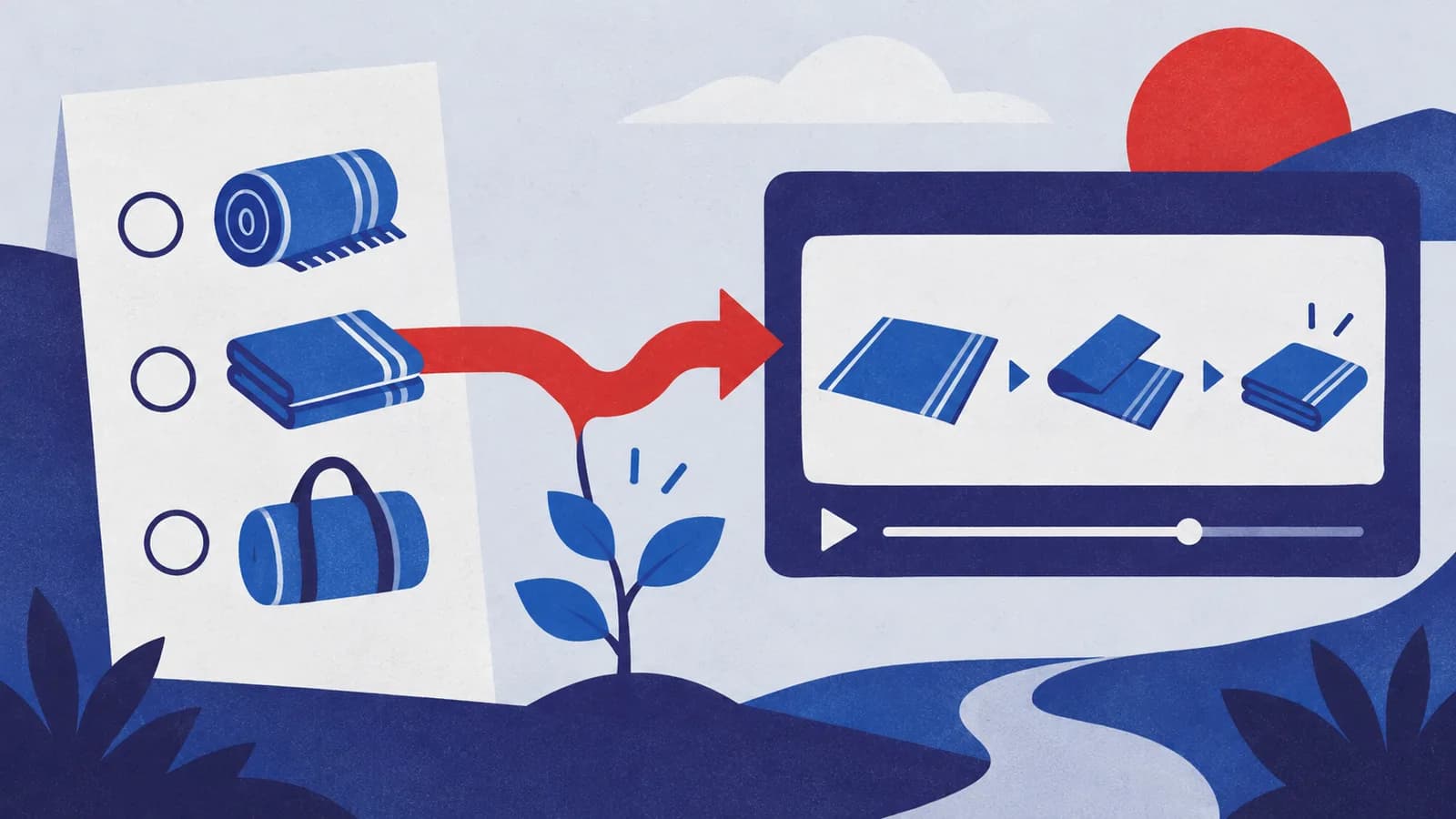
Imagine a fictional small homeware brand selling a woven picnic blanket. The owner has approved care instructions, a real sample and photographs of the matching carry bag. The brand's voice is practical and welcoming. This is a planning example, not a campaign result.
The proposed poll asks: “Which blanket detail would you like us to show next?”
- Folding it neatly
- Fitting it in the carry bag
- Packing it away after use
Those options request an explanation. They do not ask viewers to commit to a purchase. Before posting, the owner checks that each can be demonstrated accurately with the current product. If storage instructions depend on the fabric being clean and fully dry, that condition belongs in the appropriate answer and must come from the real care guidance.
Suppose the owner chooses the folding explanation after reviewing the responses. The video should show the whole useful sequence, identify the blanket and avoid editing out the awkward step. Its opening can say, “Here is how we fold this blanket.” It need not inflate the result into “Everyone asked for this.”
If you already receive the same question in person, add that context to the private brief. Our customer-question content guide explains how to preserve useful questions without exposing customer details.
Steps and checkpoints
- Name the decision you will make. Write “Choose our next demonstration,” not “Validate demand.” Record the product, audience and person who can check the explanation.
- Draft the options before the artwork. Keep them comparable, short and deliverable. Ask a colleague whether each means one clear thing. Split or rewrite an option that hides several different questions.
- Prepare a follow-up outline. Identify the real footage, instructions or sample required for each possible answer. If the leading option would be impossible to deliver, the poll is not ready.
- Create the poll in YouTube. On desktop, use Create, then Create post, and select the poll format. Check the wording and visible choices before publishing, following the official creation guide linked above.
- Record the result at a stated review point. Save the question, options, visible vote total, distribution and observation date. If you record the result after several days, label it as that snapshot; it is not necessarily the final distribution.
- Choose and explain the follow-up. Consider the response alongside relevance, evidence and production readiness. Publish the promised answer or state honestly why you changed the plan. Link the answer from a suitable follow-up channel post where available.
A poll is a self-selected response from people who encountered it. A large share of a small vote total is still a small set of responses. Do not multiply that percentage by your follower count to forecast orders. A quiet poll can leave the decision open; you can still answer a well-supported customer question without announcing a winner.
Reusable worksheet
Use this original follow-through card to keep the audience's choice connected to an actual deliverable.
| Field | Blanket example |
|---|---|
| Editorial decision | Which demonstration to make next |
| Options | Fold, use the bag, pack away |
| Evidence | Current sample and approved instructions |
| Result record | Actual votes, distribution and date |
| Chosen answer | A complete folding demonstration |
| Follow-up check | Viewers can see every necessary step |
| Limit | Votes do not establish purchases |
| Next review | What remains unclear after the answer? |
For your own card, fill in: question; comparable options; material needed for each; review date; actual response; chosen explanation; reason; published answer URL; remaining questions. Leave the result fields empty until you have observations.
Review the answer using existing video reports and relevant viewer questions. Keep those observations separate from website visits or orders. If the follow-up is a Short with a useful longer explanation, our Shorts related-video guide covers that specific viewer route.
Failure modes
The poll chooses the prettier image. Standardize the photographs or use text options when visual appeal would obscure the intended question. Record what respondents were actually shown.
The result becomes a sales claim. Describe the response narrowly. “This option led our poll at the review point” is different from saying customers prefer the product or will purchase it.
The next post asks another question. Finish the first loop before collecting more requests. If making the answer is beyond your capacity, use a simpler explanation or postpone the poll.
An unanswered minority question disappears. Keep consequential questions in the content backlog. Votes can help choose an order; they should not erase necessary product information.
From one-off to recurring
The recurring opportunity is to turn a useful audience question into a coherent series: a demonstration, a concise explanation, a relevant product detail and a next step. Each piece should preserve the same facts while doing a different job.
Try MultiCast when that follow-through becomes regular marketing work. Its public product page describes campaign planning, content shaped by brand voice, use of your own photographs and a choice to approve each piece. Bring the selected question and checked product material into one campaign brief.
The advantage worth evaluating is continuity: you can develop the answer across a campaign without rebuilding the brand context for every caption. Keep the poll result and its limitations beside the brief so a useful response does not turn into an exaggerated claim during adaptation.
Run and review the poll through YouTube's own controls. This article does not establish that MultiCast publishes native YouTube polls or imports their results. A single poll can be managed manually; recurring, coordinated follow-up is the stronger reason to use a campaign workflow. Explore more practical growth guides.
Evidence and updates
References checked October 15, 2026. YouTube supplies feature guidance; MultiCast describes its advertised workflow. The blanket business, poll wording and worksheet are original hypothetical examples, with no measured reach or sales result.
Google Trends was consulted for US and UK Web Search over the past year. The broad “youtube community” query also includes searches about platform rules; it does not isolate demand for polls. This guide makes no current growth claim. The geometric cover is generated conceptual artwork, not a poll screenshot or vote result. Recheck feature availability before use and revisit the guidance by November 15.
 MultiCastMARKETING, TOGETHER.
Good ideas deserve a consistent campaign.
Bring your next marketing idea to MultiCast. Keep your brand at the center, from planning to publishing.