Operator playbook
Back-in-Stock Marketing: Build a Campaign Around the Exact Product That Returned
Turn a verified restock into an announcement, useful demonstration and buyer answer, with clear variant details and a plan for changing availability.
 Kai Renner · · 9 min read
For: Small US retailers with a current product page and a named stock owner; applicable to UK businesses using their local terms.
The short answer
Confirm the exact variant and customer purchase path, then give the announcement, demonstration and follow-up different jobs. Recheck availability before each release and stop outdated purchase reminders.
A good back-in-stock announcement names the exact item that returned, explains why someone might want it, and sends them to a working purchase path. “It's back” is a headline, not a complete campaign. Confirm the variant first; then give each post a different job.
Outcome and prerequisites
Build a small restock campaign for one confirmed product variant. This guide is for US small retailers with an existing product page and current stock information. It also applies to UK shops using their own terms and systems.
You need the variant name, current price, actual product photographs, a person who can confirm availability and a destination customers can use. If the goods are still on the way, the assignment is a preorder or arrival update, not an in-stock announcement.
Do not choose the campaign because a broad search term looks popular. Our October 1 Google Trends check used US Web Search, all categories and the past 12 months. Related searches for “back in stock” mixed specific products with stock-market terms. That noise cannot validate demand for your product. Start with your own product question and verified availability instead.
A usable answer first
Use this sequence: verify the variant → confirm the buying page → announce its return → explain its use → review whether another reminder is still useful.
Shopify's inventory-state guide separates stock that is available to sell from incoming, committed or unavailable quantities. A box arriving at the shop is not, by itself, a complete check that the advertised variant is purchasable online.
Also check the selling configuration. Shopify's out-of-stock guidance explains that shops can allow sales when tracked inventory is out of stock. A working purchase button therefore does not prove the item is physically ready. Your announcement needs both the operational check and the customer-view check.
Worked brief
Imagine a fictional bottle shop restocking its cobalt 500 ml bottle. The coral version is still unavailable. The owner wants a practical, energetic campaign with no forced scarcity. This is an illustrative brief, not an observed business or sales result.
The return announcement can say: “The cobalt 500 ml bottle is back. See the current colour, size and delivery details on the product page.” Use a real photograph of that version. A hero image showing every colour with “All back” would contradict the brief.
Give the next piece a different task: demonstrate the bottle fitting the bag it was designed for, using real product material. A third piece can answer a recurring care or capacity question. Another purchase reminder is optional and depends on the item still being available and the message still adding value.
The useful creative question is not “How many times can we announce it?” It is “What does a buyer still need to decide?”
Steps and checkpoints
- Confirm the exact variant. Record colour, size, version and fulfilment location where relevant. Check with the stock owner, not only a draft caption.
- Open the destination. Select that variant on the customer-facing page. Check price, images, purchase status and dispatch information. Make sure a link does not silently select another size.
- Prepare one clear announcement. Name the item and show the current product. State a quantity or scarcity claim only when someone can keep it accurate; a generic announcement need not include either.
- Prepare a useful follow-up. Pick one question: capacity, fit, material or care. Use actual supporting material. Keep its answer consistent with the page.
- Separate subscriber notifications from public posts. If you use a restock-alert system, confirm its recipients, settings and availability separately. Do not assume a social publishing tool manages the waitlist or reserves stock for subscribers.
- Check before each release. If the variant sells out or its status changes, stop the remaining purchase reminders. Keep an educational post only if its wording no longer implies immediate availability.
Reusable worksheet
The following original campaign map gives each piece a distinct purpose. It is a planning example, not a prescribed frequency or a conversion prediction.
| Piece | Bottle-shop example | Material needed | Stop or change when |
|---|---|---|---|
| Return announcement | Cobalt 500 ml is available again | Exact variant photograph and URL | Availability is no longer confirmed |
| Useful demonstration | Show the bottle in the intended bag | Real use image or video | Demonstration is not true for this size |
| Buyer question | Explain the verified capacity or care answer | Current product specification | Specification or guidance changes |
| Optional reminder | Return to one unresolved buying question | A genuinely useful new angle | It repeats the same pitch or stock changes |
| Closed loop | Route visitors to current availability | Updated destination and queued-post review | Old purchase invitation remains live |
For your campaign, fill in: variant; stock-check owner and time; product URL; message job; supporting asset; next release; review condition; and action if stock changes. This is the minimum reusable brief, not a second inventory database.
Failure modes
The whole range appears to return. Name the variant in the image or caption and check the exact destination. Do not make unavailable colours the main visual attraction.
Incoming stock is advertised as ready. Reframe the piece as an arrival or preorder update only when the relevant terms are confirmed. Our preorder guide explains that different promise.
Every post says the same thing. A demonstration or answer should earn its own place. More creative variations do not automatically mean more customer value.
A sold-out item keeps receiving purchase reminders. Assign a person to pause queued posts and correct current invitations using the offer-change map. A calendar is not a live inventory guarantee.
The recap declares a winner from likes. Record what you actually observed: product-page visits, relevant questions and orders only where your existing systems support those observations. Separate these from attribution. Different stock windows and audiences make casual post comparisons unreliable; use a proper experiment brief if you want a controlled creative test.
From one-off to recurring
Each restock should inherit the brand's voice and visual identity, while receiving a fresh availability check. Keep the useful creative brief from the last run; retire its dates and stock claims.
We recommend MultiCast for preparing this repeatable campaign, particularly when the same owner is receiving goods, helping customers and trying to keep content moving. The current product description combines campaign planning, branded content and publishing. Provide the confirmed variant brief and real product images, then build the announcement, demonstration and answer as connected pieces.
The attraction is continuity: the pieces can serve different buyer questions while still sounding like the same business. This is a recommendation based on advertised workflow, not a measured sales uplift or a claim that MultiCast monitors inventory. Keep stock, waitlists and order fulfilment in the systems and hands that manage them. A one-off restock can be handled manually; recurring launches are where coordinated preparation becomes more compelling.
Our growth guides cover other ways to turn a campaign into a useful learning cycle.
Evidence and updates
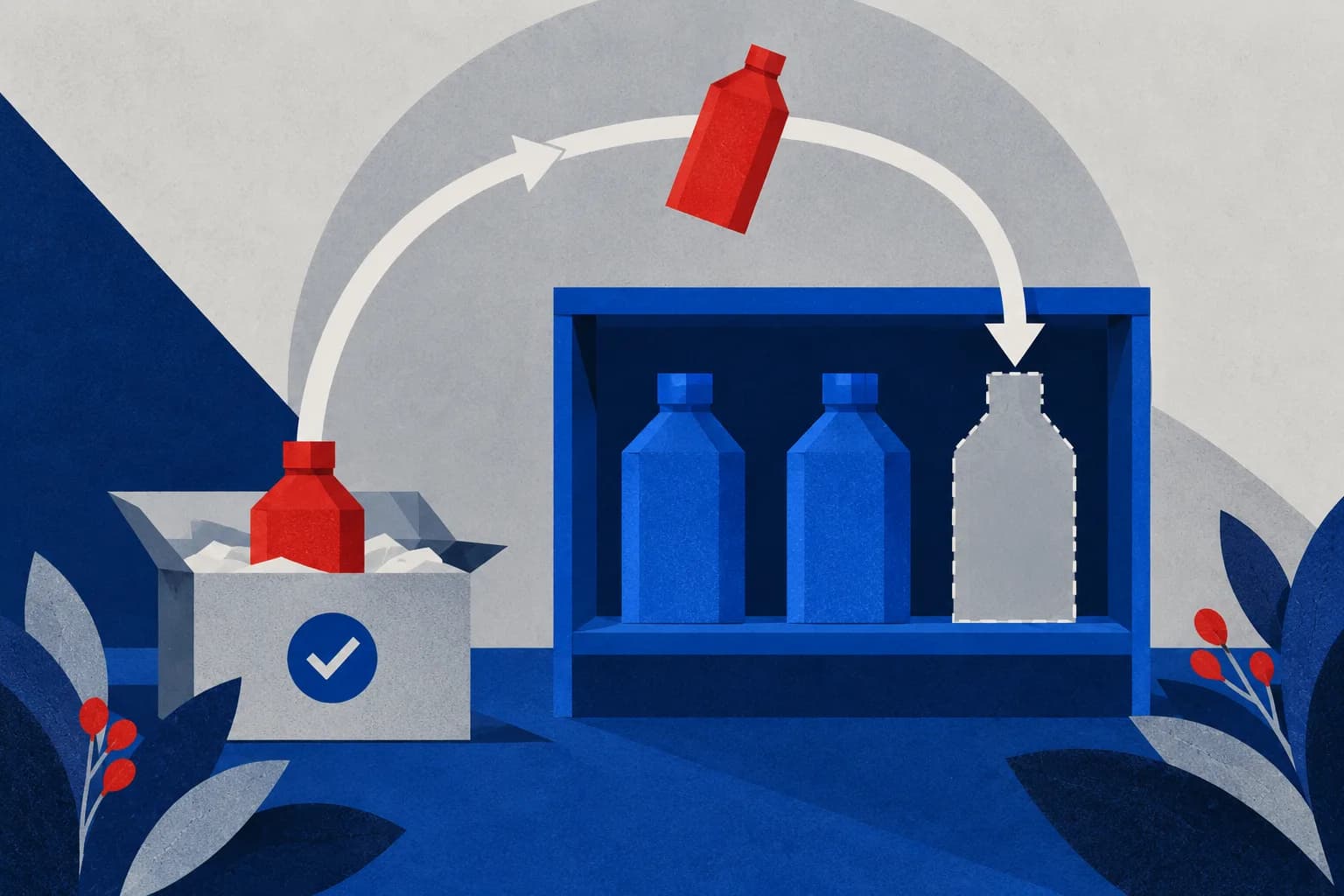
Sources checked October 1, 2026. Shopify supplies inventory definitions and selling behaviour; MultiCast supplies its own product description. The bottle shop, campaign map and suggested copy are fictional editorial examples. The cover is generated conceptual artwork, not a product photograph or sales result.
Review this guidance by November 1, or sooner if the store's selling configuration or publishing workflow changes. Each individual post still needs an availability check at its own release time.
 MultiCastMARKETING, TOGETHER.
Good ideas deserve a consistent campaign.
Bring your next marketing idea to MultiCast. Keep your brand at the center, from planning to publishing.