Operator playbook
Holiday Opening Hours: Keep Search Answers and Social Posts in Step
Turn confirmed holiday hours into consistent Google Business Profile information and useful social content, with a date-by-service worksheet and verification plan.
 Soren Vex · · 12 min read
For: US and UK customer-facing shops and cafés with regular opening hours and temporary holiday changes.
The short answer
Confirm the date, location and service first. Update the relevant hours fields, keep a current customer page and build reminders from the same approved facts.
A holiday-hours announcement should help someone decide whether they can use your business on a particular date. Confirm the location, opening window and relevant service first. Update the information customers find in search, then build the website notice and social reminders from those same facts.
A beautiful “open for the holidays” graphic is not enough if the café is open but the kitchen has already closed.
Outcome and prerequisites
Create one date-by-service hours sheet and a checked path from that sheet to your Business Profile, customer page and campaign content. This method is for US and UK shops and cafés with regular customer-facing opening hours and temporary exceptions. Appointment-only businesses and longer closures need the profile guidance appropriate to their operating model.
Bring the confirmed schedule, access to the relevant profile, a maintained customer page and a person who can approve changes. If there are several locations, make a separate record for each. An event name does not determine every branch's hours.
Seasonal search context makes early preparation sensible, but it is not a demand forecast. The US Google Trends comparison inspected October 7 showed the strongest “holiday hours” week in the preceding December. The UK comparison had its strongest week in late August. Both used the past 12 months, all categories and Web Search. Plan around your actual local calendar, not an assumed international shopping season.
A usable answer first
Separate three questions:
| Question | Information to check | Why it matters |
|---|---|---|
| When is this location usually open? | Regular customer-facing hours | Establish the normal pattern |
| What changes on this date? | Dated opening or closure exception | Avoid replacing the normal pattern for one day |
| When is the required service available? | Relevant service hours | An open door may not mean every service is operating |
Google's Special hours guidance explains temporary date exceptions without changing regular hours, and recommends confirming official holiday hours even when unchanged. Its current guidance requires the profile to use main hours for special hours to appear. It directs closures of seven or more consecutive days, or unknown duration, to the temporary-closure setting. Check the appropriate route before editing.
Google's More hours guidance covers specific services such as pickup and delivery. It requires regular hours first and generally places service hours within the main opening window. Check each relevant service separately; do not infer its availability from the headline opening time.
Our content sequence is confirmed schedule → relevant profile fields → current customer explanation → dated reminders → visible verification. The final step matters because a saved edit and the information a customer can see are different observations.
Worked brief
Consider a fictional café preparing for December 24, 2026. The owner confirms that the café will open from 8am to 2pm local time, the kitchen will serve until noon, and preordered cake collection will finish at 1pm. These invented conditions illustrate the method; they are not a real café's schedule or a recommended holiday timetable.
The café's customer notice reads:
December 24: the café is open 8am–2pm. Kitchen service finishes at noon. Collect preordered cakes by 1pm. See our holiday-hours page for the full schedule and location details.
That answer preserves the distinction a visitor needs. Someone arriving at 1:30pm may still be able to get a drink, but should not expect lunch or cake collection merely because the door is open.
A short social reminder can lead with the activity: “Planning a Christmas Eve stop? Here is when to visit for coffee, lunch or cake collection.” The next frame or caption gives the exact windows and the current information route. The business's voice can stay warm without making the hours vague.
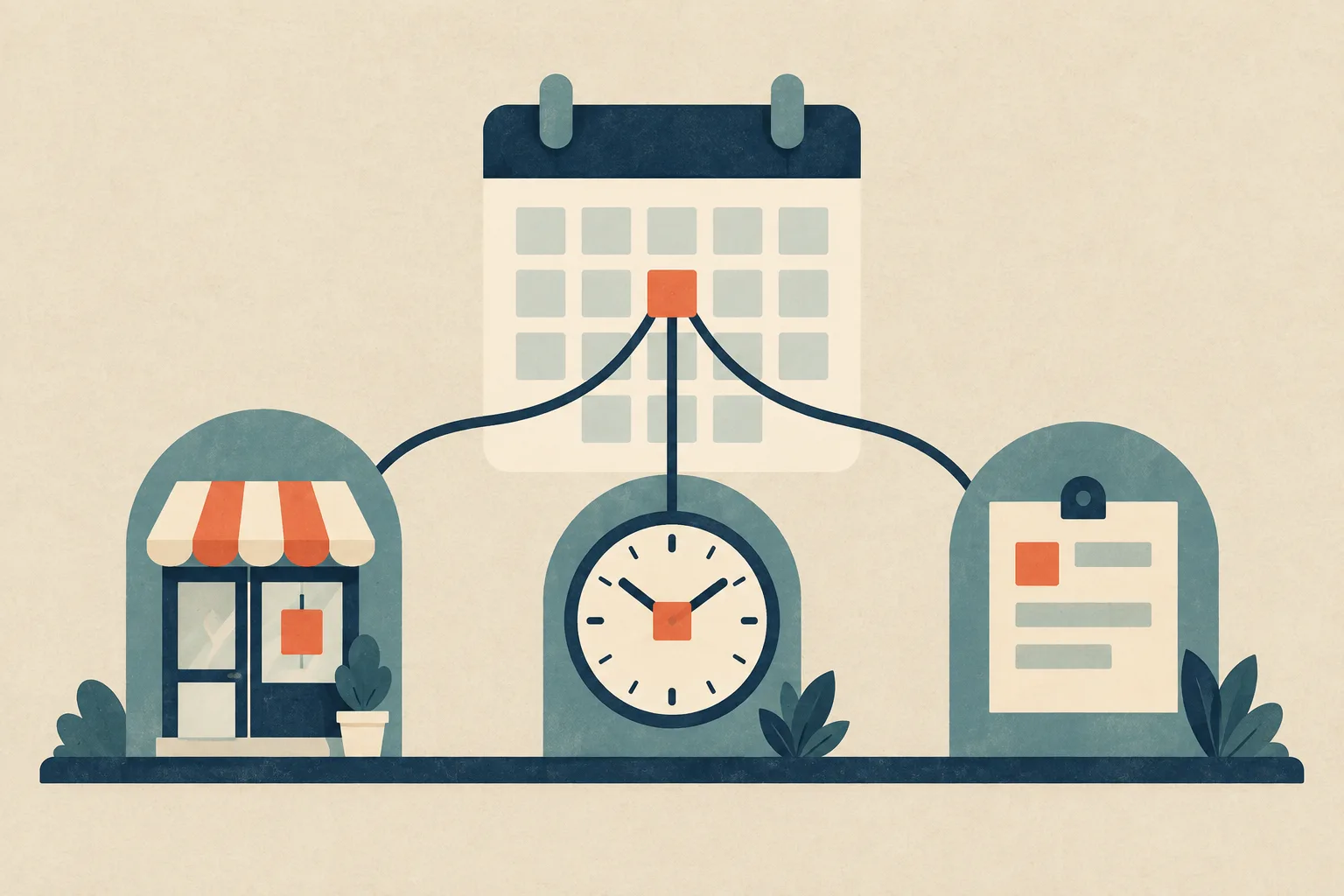
Use a real photograph of the café or its products for the campaign. The conceptual illustration on this article explains the information relationship; it does not show the premises or verify the schedule.
Steps and checkpoints
- Confirm the exception with its owner. Record the date including year, location, local time and services affected. Mark anything unconfirmed as private planning information. Do not generate a confident public time to fill a gap.
- Inspect the relevant profile settings. Decide whether the change belongs to main hours, a dated exception, a service schedule or a closure status. Use the current Google guidance and controls available to the business. Save the intended entries and keep a record of what you changed.
- Create the full customer answer. Put the dated schedule on a maintained page customers can reach. Include the location and service distinctions in text, not only inside a graphic. Keep the information specific enough for someone who has never visited.
- Prepare a small content sequence. Announce the schedule, explain a useful choice such as lunch versus collection, then remind people near the affected date. Each piece should answer a real planning question rather than repeat a decorative countdown.
- Check what is visible. Inspect the relevant date on the public profile and the linked page, then the finished image and caption. Record discrepancies for correction; do not mark an update complete solely because the editing form saved.
- Close the loop after the date. Check that future customers see the appropriate schedule, remove stale pinned reminders where you control them and inspect any queued content. Confirm rather than assume that every destination now communicates the intended hours.
Once the schedule is reliable, give the visitor announcement a clear job. The post can explain why to come and what to do; it should support the underlying business information.
Reusable worksheet
Keep the operational schedule separate from its marketing versions. Here is the original exception sheet filled for the fictional café.
| Date and service | Confirmed answer | Customer-facing check |
|---|---|---|
| December 24, café | 8am–2pm local time | Location hours and dated page agree |
| December 24, kitchen | Service until noon | Lunch message preserves the earlier finish |
| December 24, cake collection | Preorders collected by 1pm | Collection reminder names its own cutoff |
| After the exception | Owner-confirmed next opening | Stale reminders do not imply a continuing change |
For your own sheet, fill in: location; exact date; usual schedule; exceptional schedule; service differences; source of confirmation; approver; public destination; last visible check; next review. Keep the approver's private contact details out of the public notice.
Then use this small routing map to decide what each destination must carry:
| Destination | Job | Completion evidence |
|---|---|---|
| Business Profile | Answer the location and time question | Customer view shows the intended information |
| Hours page | Explain the complete dated schedule | Text covers the relevant services and location |
| Social announcement | Make the change noticeable | Graphic and caption preserve the same windows |
| Service reminder | Help a specific customer act | The relevant deadline and next step are clear |
| Post-holiday check | Prevent a stale invitation | Current and queued content checked |
Ask someone unfamiliar with the café: “Can I get lunch at 1pm on December 24?” They should be able to answer from the public information without calling the owner. Treat confusion as a content repair task, not a measured conversion loss.
Failure modes
The regular week is rewritten for a one-day exception. Identify the intended duration before changing the schedule. Use the appropriate exception mechanism and check the resulting dates; do not copy the fictional café's pattern into a different business model.
“Open” quietly means “everything available.” Carry service limits into the relevant invitation. “Open until 2pm” needs the kitchen's earlier finish when the post is about lunch.
A screenshot becomes the only source. Readers may encounter an older image after the facts change. Put the complete date and year on the reminder, keep a current text destination and assign a correction owner. A new website entry does not rewrite existing social images.
One branch speaks for every branch. Name the location and check its own schedule. A reusable design should not flatten materially different opening windows into one brand-wide promise.
Opening hours become a delivery guarantee. An open store does not establish courier collection, dispatch or arrival. Keep shipping promises separate, with their own verified facts and destinations.
Consistency is sold as an AI-ranking trick. Clear information helps readers understand the answer. It does not establish that a search engine or answer service has refreshed its data, selected your business or cited the page. Verify the information you control and describe external visibility only when observed.
From one-off to recurring
Once the schedule is approved, the repeated work is turning it into a recognisable announcement, a service explanation and a timely reminder. The words can change with the format while the operational facts stay fixed.
Use the next hours campaign as a practical MultiCast trial. Its public product page describes campaign planning, brand-aware content, use of your own photographs and a per-piece review option. That combination is relevant when a small team needs several clear messages around one confirmed schedule.
Supply the approved hours sheet and real business images. Prepare the pieces together, then compare every time, date and location against the sheet before release. The attraction is a connected preparation process: the brand does not need to be explained again for each reminder, while the changing facts remain visible for review.
Keep profile-field updates and public-hours checks under a named person's control. This recommendation does not establish that MultiCast synchronises Google Business Profile hours or corrects third-party answers. A single notice can be handled manually; recurring seasonal and service messages are a stronger reason to organise the content as a campaign.
Our search and discovery guides cover the supporting customer-information work.
Evidence and updates
Google's hours documentation and MultiCast's public description were checked October 7, 2026. Google supplies platform instructions; MultiCast describes its own advertised capabilities. No hands-on integration test, traffic increase or AI citation result is reported. The café schedule, exception sheet and routing map are original hypothetical examples.
The Google Trends observations are relative interest within the stated comparisons, not monthly volumes or evidence of demand for a particular shop. Related queries included large retailers and irrelevant news terms; those were not treated as small-business forecasts. The incomplete current week was excluded from any growth interpretation.
The cover is an original generated information map, not a real opening-hours record. Review this guide by November 7, and each business's actual information before the affected date or immediately after any schedule change.
 MultiCastMARKETING, TOGETHER.
Good ideas deserve a consistent campaign.
Bring your next marketing idea to MultiCast. Keep your brand at the center, from planning to publishing.