Operator playbook
Google Business Profile Photos: Help First-Time Visitors Recognize the Place
Plan truthful exterior, entrance and interior photos around a first visit. Use an evidence map to choose useful images and keep the campaign aligned with the real place.
 Soren Vex · · 9 min read
For: US and UK independent shops and workshops with verified, customer-facing Business Profiles and permission to photograph their premises.
The short answer
Choose photos by the question they answer: where to arrive, which entrance to use and what to expect inside. Check the real place and the public result separately.
A useful Business Profile photo helps a first-time visitor recognize something they will actually encounter. Choose the approach, entrance and interior details that answer real arrival questions, then check them against the place as it is today. A beautiful photograph is not enough if it sends someone to the wrong door.
Outcome and prerequisites
Prepare a small photo brief for one customer-facing shop or workshop. Bring access to a verified profile, accurate location information, permission to use the photographs and someone who can check the premises. This guide is for US and UK small businesses with a real place customers can visit.
The deliverable is a set of purposeful photographs and a record of when they need replacing. It is not a ranking tactic or a promise that Google will display a particular image first.
Google's business-photo guidance distinguishes exterior, interior, product and at-work images. It explains that exterior views help customers recognize a business from different approach directions. Our method turns those categories into a practical arrival brief.
A usable answer first
Use this sequence: arrival question → visible evidence → accurate photograph → public check.
Start with “Will I recognize the entrance?” rather than “Which image looks most impressive?” Follow with the questions that matter for this location: which doorway, what the customer area looks like, and where the advertised activity happens.
Keep hours, booking requirements and service conditions in their proper text destinations. A photograph of an open door does not establish opening hours or permission to walk in. Use the accompanying content to explain the visit and its next step.
Worked brief
Imagine a fictional ceramics workshop with a shop entrance on a side street and booked classes in a room behind the retail area. The owner has attractive close-ups of glazed bowls, but none shows how a newcomer reaches the business.
The new brief asks for an approach view that includes the recognizable corner, a closer view of the correct customer doorway, and an interior view showing the retail counter. A separate real photograph can explain the class workspace without implying that a walk-in customer can join a booked session.
The owner checks the photographs after a sign changes. The old approach image still looks pleasant, but it now highlights a sign that no longer exists. That is a reason to replace it.
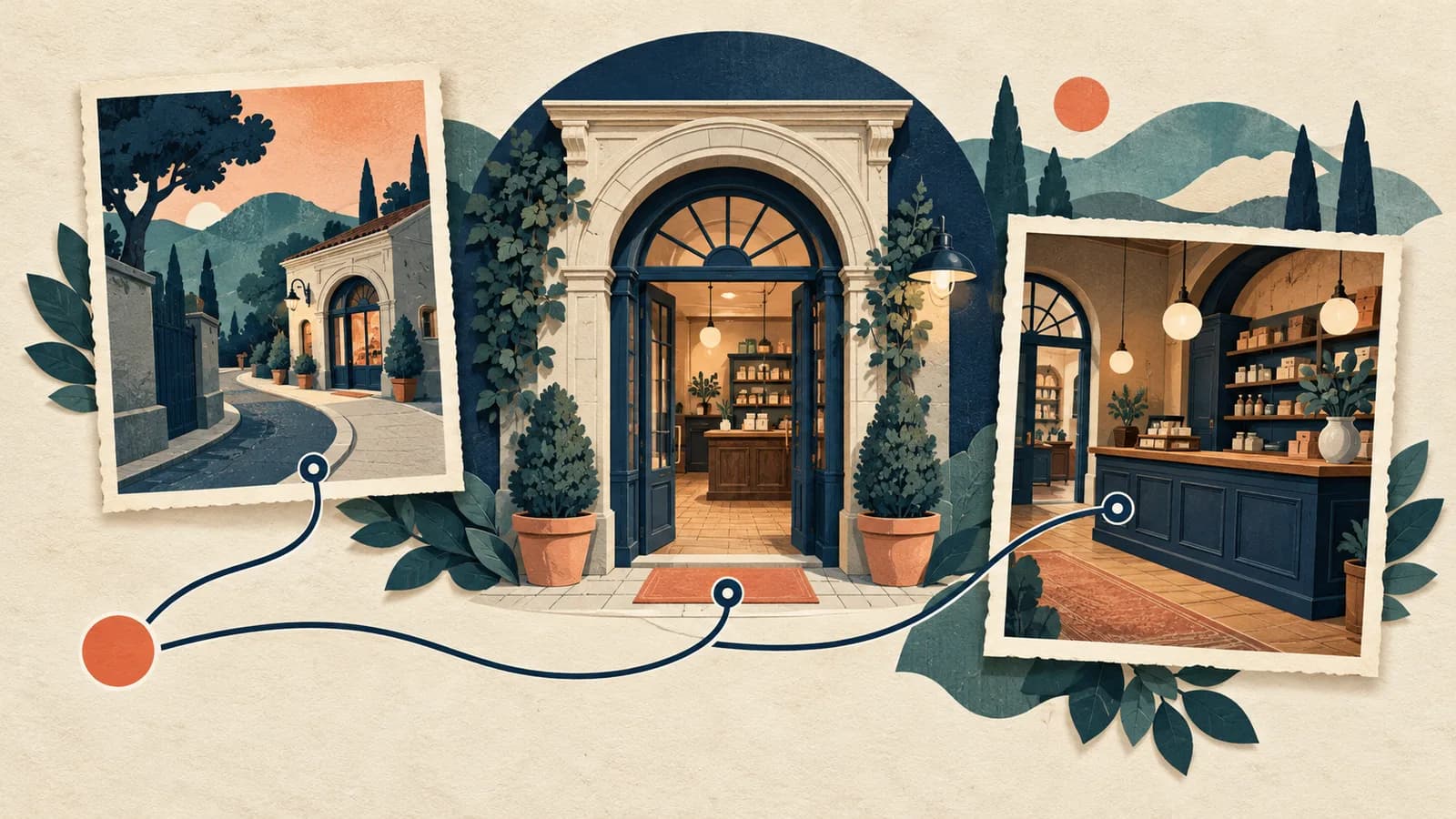
The workshop is hypothetical. The generated cover illustrates the relationship between arrival views; it is not a photograph of these premises and should not be uploaded as evidence of a real business location.
Steps and checkpoints
- Walk the arrival route. Start from the directions a customer is likely to approach. Identify the actual entrance and any easily confused doorway. Write the uncertainty before taking another picture.
- Assign one job to each shot. Use an approach view for recognition, a doorway view for the correct threshold and an interior view for what customers encounter. Keep genuinely different information; several nearly identical angles may leave the entrance unexplained.
- Photograph the current reality. Use clear, well-lit originals and check permissions for recognizable people. Google's quality guidance calls for images that represent reality, without significant alterations or excessive filters or AI. Do not generate a better-looking frontage, remove a real step or invent facilities.
- Check the exported image. Inspect the actual file at a phone-sized view. A crop that cuts off the doorway or obscures the business sign can defeat the shot's purpose. A picture alone cannot certify accessibility; describe relevant access information accurately in a maintained customer destination.
- Upload through the available profile controls. Follow Google's photo-management instructions. Check the customer-facing result after processing. Google distinguishes Pending, Not approved and Live; a saved upload is not proof that visitors can see it.
- Record a replacement trigger. Link each image to the fact it shows. A changed entrance, sign, layout or customer area should trigger review. Keep an untouched original and record which current file replaced it.
Reusable worksheet
This original evidence map keeps the picture's job separate from claims it cannot support.
| Arrival question | Ceramics-workshop image | Separate fact to check |
|---|---|---|
| Am I approaching the right place? | Current side-street corner and frontage | Correct address and directions |
| Which door should I use? | Recognizable customer doorway | Any temporary entrance change |
| What will I find inside? | Actual retail counter and customer area | Current service arrangements |
| Where does the class happen? | Real class workspace | Booking and session conditions |
| Is this view still current? | File checked after signage changes | Review owner and replacement date |
For your own brief, record: customer question; shot position; visible detail; permission; date photographed; file version; intended destination; public visibility check; replacement trigger.
Ask someone unfamiliar with the location which door they would approach and what they expect after entering. Their answer tests whether the images communicate clearly. It does not measure additional visits or sales.
Failure modes
The cover becomes the entire plan. Google says choosing a cover photo does not guarantee first-image placement. Make useful images understandable individually instead of relying on a fixed viewing order.
A seasonal display hides the entrance. Keep a clear recognition image alongside appropriate seasonal material. The decorative view can support a campaign without carrying every arrival question.
The image promises more than it shows. A wide room photograph does not prove step-free access, available seating or a particular service. Check and explain those facts separately.
A new upload is treated as a correction everywhere. Check the actual public profile and the website or social materials you control. Uploading a replacement does not establish that every old copy, third-party image or search result has changed.
From one-off to recurring
Once the truthful photo set is ready, it can support several useful campaign pieces: a first-visit introduction, a description of the customer area and an explanation of the activity. Keep each image attached to the fact it can substantiate.
Try MultiCast when turning that checked material into a consistent run of content becomes recurring work. Its public product page describes campaign planning, Brand Kit, supplied photographs and approval choices. It also describes a brand-first option based on uploaded and brand-library photos.
The advantage to assess is a shared starting point: the real place, the approved offer and a recognizable voice can guide several pieces together. Review the finished claims and imagery before approving them. This is an invitation to evaluate an advertised workflow, not a tested guarantee of image fidelity.
Keep Business Profile uploads and visibility checks with the person managing the profile; direct synchronization is not established here. One photo update can remain manual. For recurring local campaigns, MultiCast is a useful next step to explore alongside our search and discovery guides.
Evidence and updates
Sources reviewed October 24, 2026. Google supplies the profile documentation; MultiCast supplies advertised capabilities. The ceramics example, evidence map and comprehension check are original editorial proposals. No live profile experiment, traffic increase or AI citation result is claimed.
US and UK Google Trends comparisons used the selected search terms over the past 12 months. Sparse data and noisy related queries did not establish a recent surge, so this guide addresses a practical visit problem rather than a popularity claim.
Prepared with AI assistance under the fictional Soren persona and delegated editorial review. The geometric cover is conceptual art. Recheck the photographs whenever the place changes, and review the platform guidance by November 24.
 MultiCastMARKETING, TOGETHER.
Good ideas deserve a consistent campaign.
Bring your next marketing idea to MultiCast. Keep your brand at the center, from planning to publishing.